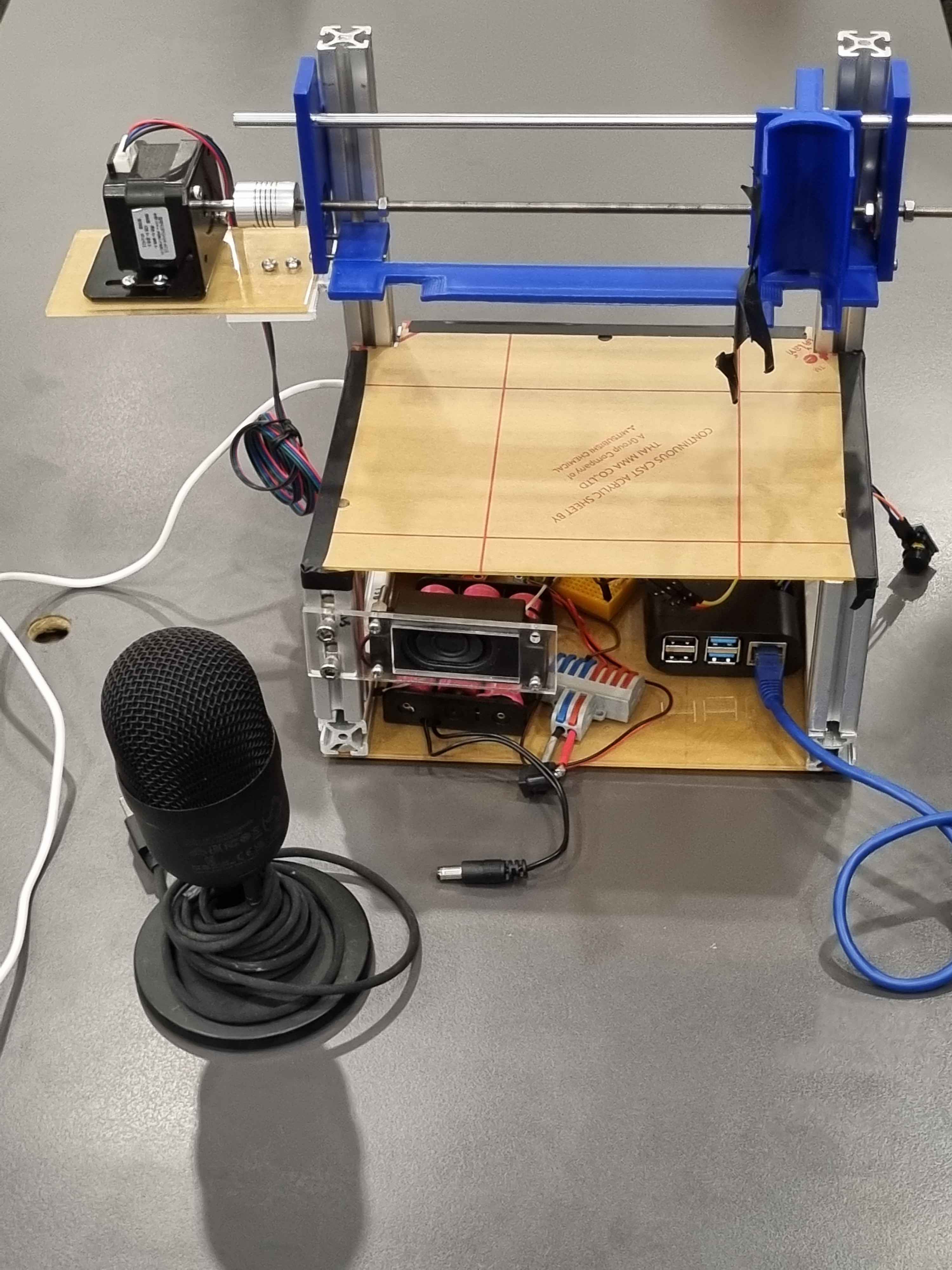
Product Screenshot

The 2D Printer Pen

The 2D printer pen is capable of printing a wide range of high-resolution images and designs directly onto beverages. These pens are intended to be used by cafes and restaurants to attract more customers.

This project aims to reach out to kids to enhance their learning. Before this project, there is no feature or functionality in the current app that converts speech to text. The team saw this as an opportunity for kids to be able to speak and to take that as input into the app and print it out. By doing this, they will be able to visually see the link between the word and the physical object. Below are more details on how the team achieved this.

The Product

The video above shows the final product

Details of the project

Component Purpose
Raspberry Pi Used to control all the electronic devices in the system
Nima17 DC motor Move the Printpen back and forth to print on the food
L298N Motor Driver Connected to the Raspberry Pi to drive the DC motor
Speaker To sound out the word that is being printed letter by letter
To indicate when to start speaking
To sound an alarm before the motor starts
LED ScreenTo display to the user what the machine is doing

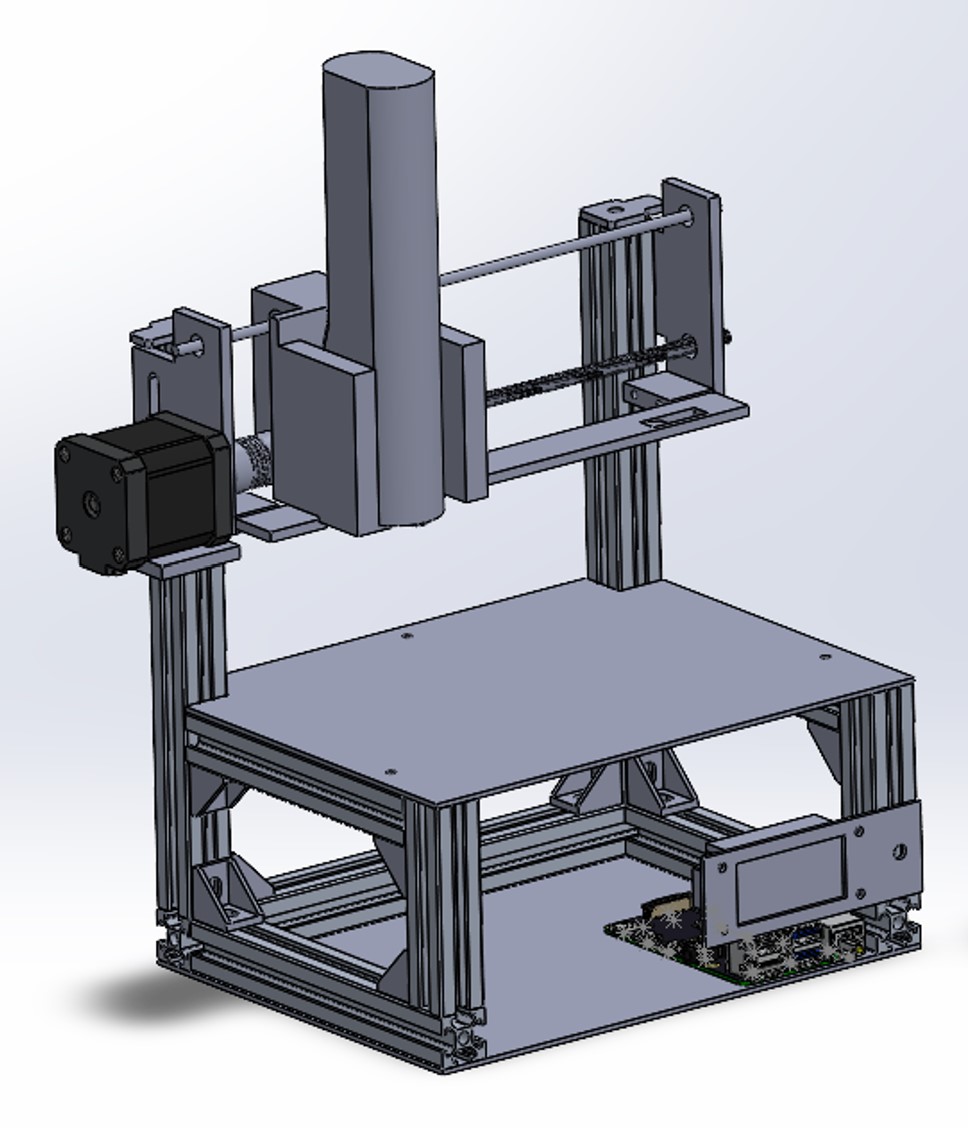
CAD Design

Image of CAD file

About The Project

Who is it for

This product is meant to be used by children in childcare centers during their mealtime to enhance their learning.

My Contribution

For this project, every component was tested in isolation before putting it together. I worked on 2 components:
Simulating the keypresses on the app since the team was not given API access.
I wrote the Python code for the motor using a Raspberry Pi, integrated all the components, and streamlined the entire process flow.

Skills Used

Raspberry Pi
Python
SolidWorks

Github link to project with all the code:
Automated-Food-Printer

Google Drive with CAD Designs:
CAD Designs